Your WooCommerce shop page is the first impression many customers get of your online store. It’s where they see all your products, so making it look good and easy to use is a big deal. If it’s just a plain list of items, people might not stick around. The good news is, you don’t need to be a coding whiz to make it look amazing. We’ll walk through how to customize your WooCommerce shop page so it really shows off what you offer and helps people find what they want, fast.
Key Takeaways
- The WooCommerce shop page is your store’s main display; customizing it is key for attracting customers and making sales.
- You can change your shop page’s look and feel without writing any code by using page builders and themes designed for WooCommerce.
- Making product displays and navigation clear, with options like smart filters and category layouts, helps shoppers find what they need easily.
- Adding your brand’s colors, fonts, and special promotions makes your store unique and builds trust with visitors.
- Always check how your changes look and work on phones, and make sure the page loads quickly for the best customer experience.
Understanding The Importance Of Customizing Your WooCommerce Shop Page
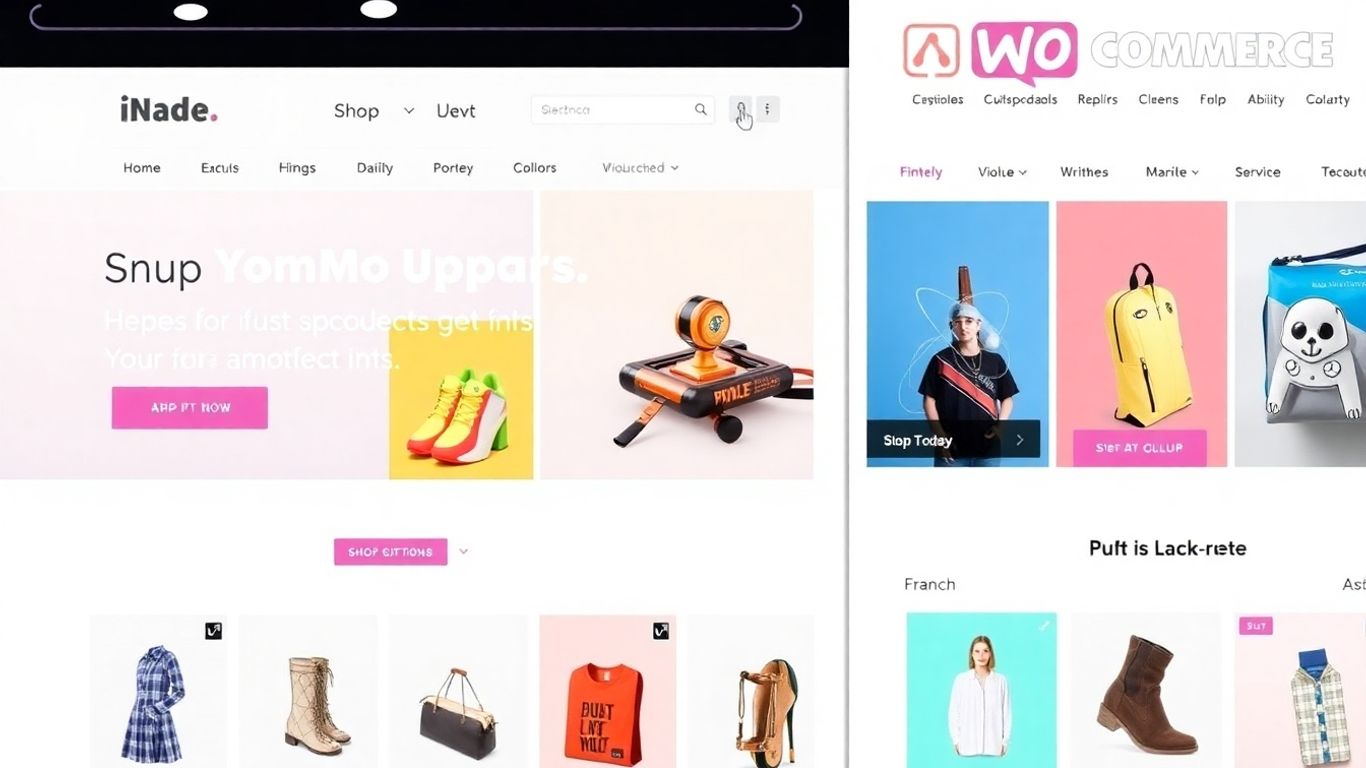
Your WooCommerce shop page is basically the front door to your online business. It’s where customers first see what you have to offer, so making it look good and work well is a big deal. Think of it like a physical store – you wouldn’t want it to be messy or hard to find things, right? The same applies online.
What Is The WooCommerce Shop Page?
At its heart, the WooCommerce shop page is the main place where all your products are listed. When you add items to your store, this page automatically shows them, usually in a grid. Out of the box, it uses the style of your website’s theme, which is fine, but often pretty basic. It’s the default display, and while it works, it doesn’t really show off your brand or make shopping super easy.
Why Customize The WooCommerce Shop Page?
So, why bother changing it? Well, a standard shop page is functional, but it rarely helps your business stand out. Customizing it means you can make it look exactly how you want, matching your brand’s colors and style. This makes your store feel more professional and trustworthy. Plus, a well-organized shop page makes it easier for customers to find what they’re looking for, which can lead to more sales. It’s not just about looks; it’s about making the shopping experience better for everyone. A good shop page can turn browsers into buyers.
Enhancing User Experience And Aesthetics
Customizing isn’t just about slapping on your logo. It’s about making the whole experience smoother and more pleasant for the person shopping. This includes:
- Layout: Arranging products in a way that makes sense, maybe grouping similar items or highlighting bestsellers.
- Navigation: Adding clear ways for people to sort products (like by price or popularity) or filter them (like by size or color).
- Visual Appeal: Using colors, fonts, and images that match your brand and make the page inviting.
When you’re tweaking your shop page, always try to put yourself in your customer’s shoes. Is it easy to understand? Can they find what they need quickly? These small details make a big difference in whether someone stays on your site or leaves.
Making these changes helps create a unique online space that reflects your business and encourages people to stick around and buy. It’s a key step in building a successful online store, and thankfully, you don’t need to be a coding wizard to do it these days. You can explore different WooCommerce themes to get a head start on the visual design.
Mastering Code-Free Customization Techniques
So, you want to make your WooCommerce shop page look amazing without needing a degree in computer science? Good news! There are plenty of ways to do this without touching a single line of code. It’s all about using the right tools and knowing where to look.
Leveraging Page Builder Plugins
Page builders are like the magic wands of website design. Tools like Elementor or Beaver Builder let you drag and drop elements to create exactly the look you want. You can easily change the layout of your product listings, add custom banners, or even include promotional videos right on your shop page. They come with pre-built WooCommerce widgets that give you control over product grids, filters, and category displays. This means you can adjust spacing, colors, and fonts visually, making your shop unique without any coding headaches.
Choosing WooCommerce-Optimized Themes
Your theme is the foundation of your store’s look. Picking a theme that’s built with WooCommerce in mind makes a huge difference. Themes like Astra, OceanWP, or the official Storefront theme often have built-in options that you can tweak right in the WordPress Customizer. You can change header styles, footer layouts, sidebar arrangements, and even how your products are shown. These themes usually offer easy ways to adjust typography and add calls to action, giving you a good amount of control even before you think about plugins.
Essential Plugins to Supercharge Customization
Plugins are your secret weapons for adding extra features and control. While WooCommerce itself is great, third-party plugins can add advanced filtering, custom product tabs, or dynamic sorting options. Here are a few that are really helpful:
- WooCommerce Blocks: This official plugin adds blocks for products, categories, and filters directly into the Gutenberg editor, making it easy to build custom layouts.
- Product Filter for WooCommerce (by XforWooCommerce): If you need advanced filtering like color swatches, price sliders, or tag filters, this is a solid choice.
- ShopEngine: This plugin works with Elementor to let you design every part of your WooCommerce store, including the shop page, with a lot of flexibility.
Using these plugins means you get more say in how your products look and how customers interact with them, and they’re generally pretty straightforward to use.
When you’re tweaking your shop page, always keep the customer in mind. The goal is to make their shopping experience smooth and enjoyable. Small touches, like clear navigation or easy-to-use filters, can make a big difference in whether someone finds what they need and decides to buy.
It’s really about making things simple and pleasant for shoppers. The more intuitive your page feels, the better the chances they’ll stick around and make a purchase. And the best part? You can keep making these changes as your business grows, all without needing a developer.
Elevating Product Presentation And Navigation
Making your products look good and easy to find is a big deal. It’s not just about having nice pictures; it’s about how people actually shop on your site. Think about it: if customers can’t find what they want, or if it looks messy, they’re just going to leave. We want them to stick around and buy stuff, right?
Personalize Product Layout And Sorting Options
Your shop page doesn’t have to look like everyone else’s. You can change how products are shown. Maybe you want a grid with big images, or perhaps a list view with more details. You can also control how products are sorted. Instead of just the default ‘latest’ or ‘price’, you can set it to show bestsellers first, or maybe items that are on sale. This helps guide people to what you want them to see. Changing the default sorting options can really influence how a buyer moves through your store. It’s a simple change that can make a difference.
Incorporate Smart Filters And Search
As your store gets bigger, finding things can become a challenge. A good search bar and filters are super important. People expect to be able to filter by size, color, price, or whatever makes sense for your products. Plugins can help you add these filters without needing to code. They make the results update right away, which is pretty neat. This makes it way easier for customers to zero in on exactly what they need, cutting down on frustration. You can find some great options for WooCommerce shop page customization that include these features.
Customize Category And Tag Displays
Don’t just show a plain list of categories. Make them look good! You can use images for each category, maybe add a short description. This makes your shop page more visually interesting and helps people understand what’s in each section. Same goes for tags. If you have specific collections or styles, making those easy to access with clear displays can help customers discover more products they might like. It’s about making the whole shopping experience feel more organized and appealing.
Strategic Enhancements For A Unique Storefront
Add Branding Elements For A Unique Look
Making your store feel like yours is super important. It’s not just about selling stuff; it’s about creating an experience. You can do this by weaving your brand’s personality into the shop page. Think about your brand’s colors, the fonts you use everywhere else, and the general vibe you want to give off. Most good themes and page builders let you easily pop these in without needing to be a tech wizard. It makes everything look cohesive, from your logo to the "Add to Cart" button.
Little touches matter too. Things like custom icons for product badges – maybe a "New Arrival" or "Limited Stock" tag – can really polish the look. It’s these small details that make a customer think, "Wow, this place is put together."
Highlight Seasonal Promotions And Featured Products
Want to get people excited about a holiday sale or a special event? Use your shop page to shout about it! You can create special sections to show off products that are on sale, or maybe some new items you want to push. Tools like Gutenberg or Elementor make it pretty simple to set these up. You can even get plugins that automatically show certain products based on things like how many you have left or how well they’re selling. It’s a smart way to keep your shop looking fresh and give people a reason to click.
Here’s a quick look at how you might structure a seasonal promotion:
- Banner: A clear, eye-catching banner at the top announcing the sale or event.
- Featured Products: A curated selection of products directly related to the promotion.
- Countdown Timer: For limited-time offers, a timer adds urgency.
- Call to Action: A prominent button directing users to the sale page or relevant category.
Integrate User-Friendly Navigation Aids
Getting lost on a website is frustrating, right? Your shop page should make it easy for people to find exactly what they’re looking for. This means having a clear way to sort products – maybe by price, popularity, or newest items. Also, think about how you organize your categories and tags. A logical structure helps shoppers browse without feeling overwhelmed. Making it simple to find products is key to keeping customers happy and encouraging them to buy.
Consider these navigation helpers:
- Advanced Search Bar: With suggestions that pop up as they type.
- Filtering Options: Allow users to narrow down choices by size, color, brand, or other attributes.
- Breadcrumbs: Show users where they are on the site and how they got there.
- Quick View: A feature that lets customers see product details without leaving the shop page.
Optimizing For Performance And User Satisfaction
Making your WooCommerce shop look amazing is one thing, but if it’s slow or confusing to use, people will just leave. That’s where this section comes in. We’re talking about making sure your store is not just pretty, but also fast and easy for everyone to shop on.
Optimize For Mobile And Speed
Let’s face it, most people shop on their phones these days. If your shop page looks wonky or takes ages to load on a smartphone, you’re losing customers. It’s super important that your site works perfectly on all devices, especially mobile. This means checking how everything looks and functions on smaller screens. Page builders usually have a ‘responsive mode’ so you can see exactly what your visitors see and make tweaks. Speed is also a big deal. A slow website can really hurt your sales. Even a one-second delay can make a difference. A lot of this comes down to images. Big, uncompressed photos are the usual culprits. Make sure your product images are optimized before you upload them, or use a plugin that does it for you. Converting them to modern formats like WebP can also help a lot.
Here are some quick wins for speed:
- Image Compression: Always shrink your image files. Use tools or plugins that automate this.
- Caching: Set up caching. This basically saves a version of your page so it loads faster for returning visitors.
- Clean Code: Regularly check your plugins and themes. Get rid of anything you don’t use. Less code means a faster site.
Think Like Your Customer
This is where you really put yourself in your shopper’s shoes. What would make you frustrated when trying to buy something online? Probably a confusing layout, hard-to-find buttons, or a checkout process that feels like a maze. Your shop page should guide people naturally. Think about clear calls to action, like a prominent ‘Add to Cart’ button that gives instant feedback when clicked. If someone adds something to their cart, they should see it update right away, maybe with a little animation. This kind of feedback makes the whole experience feel more real and reliable.
The goal here is to remove any friction. Every click, every step should feel logical and easy. If a customer has to think too hard about what to do next, they might just give up and go somewhere else. Keep it simple, keep it clear.
Testing Changes From A User’s Point Of View
So, you’ve made all these cool customizations. Great! But how do you know if they actually work for real people? You’ve got to test them. Don’t just look at your own computer. Get friends, family, or even a few loyal customers to try out your shop page. Ask them to find specific products, add them to the cart, and go through the checkout. Watch what they do, where they get stuck, and what they say. This kind of real-world testing is way more useful than just guessing. You might find that a button you thought was obvious is actually hard to see on a certain device, or that a filter option is confusing. Make a list of any issues and fix them. It’s an ongoing process, but it’s how you build a shop that people actually want to use.
Wrapping Up: You’re Now in Control
So, there you have it. Customizing your WooCommerce shop page doesn’t have to be some big, scary thing. You don’t need to be a coding wizard to make your store look good and work well. With the right tools, like page builders and smart plugins, you can really change how your shop looks and feels. Remember to always think about what your customers will see and how easy it is for them to find what they want. Making your shop page look great and function smoothly is a big deal for your business. Keep playing around with the options, and don’t be afraid to try new things. Your shop page is where the magic happens, so make it work for you.
Frequently Asked Questions
What exactly is the WooCommerce shop page?
Think of the WooCommerce shop page as the main display window for your online store. It’s where all your products are shown, usually in a grid. It’s the first place many shoppers see your items, so making it look good and easy to use is super important.
Why should I bother changing my shop page from how it looks normally?
The default look is okay, but it’s usually pretty plain. Customizing it makes your store look more professional and helps customers find what they want faster. A nice-looking, easy-to-navigate page can lead to more sales and happier shoppers.
Can I really change my shop page without knowing how to code?
Absolutely! You don’t need to be a tech wizard. There are lots of tools like page builder plugins and special themes that let you drag and drop elements to make your page look exactly how you want it, all without writing a single line of code.
What are some easy ways to make my shop page look better?
You can use a page builder plugin to change the layout, pick a theme that’s already designed for WooCommerce, or add special plugins that give you more options for showing off your products. Adding your brand’s colors and fonts also makes a big difference.
How can I help customers find products more easily on my shop page?
Adding smart search and filter options is key. This lets customers sort products by things like price, size, or color. You can also make your category pages more attractive with pictures and descriptions, making it simpler for shoppers to explore different types of products.
Is it important for my shop page to work well on phones?
Yes, it’s incredibly important! Most people shop on their phones these days. You need to make sure your shop page looks great and loads quickly on all devices, especially smartphones. This is called being ‘mobile-friendly’.