So, you want to make your online shop look and work just right? Customizing your WooCommerce shop page is a big part of that. It’s not just about making things look pretty; it’s about making it easy for people to find what they want and buy it. This guide will walk you through the steps to get your shop page looking sharp and working smoothly. We’ll cover everything from the basics to some more advanced tricks to help you make your WooCommerce shop page truly yours.
Key Takeaways
- Start with the basics: Understand how WooCommerce works before you change things.
- Make it yours: Your shop page should match your brand’s look and feel.
- Showcase products well: Good pictures and clear descriptions help people buy.
- Speed matters: A fast, mobile-friendly site keeps customers happy.
- Keep improving: Use data to see what’s working and make your shop better.
Foundational Steps for Customizing Your WooCommerce Shop Page
Getting your WooCommerce shop page just right is like building a house. You need a solid foundation before you start picking out paint colors or fancy furniture. This section is all about laying that groundwork, making sure the basics are covered so everything else you do later on actually works well.
Understanding the Core of WooCommerce Customization
WooCommerce is built on WordPress, which is pretty flexible. But when it comes to your shop page, it’s not just about picking a theme and calling it a day. You’ve got to think about how the whole thing works together. It’s about making your store look and feel like your brand, not just another generic online shop. This means looking at things like the layout, how products are displayed, and even how easy it is for someone to find what they’re looking for. It’s more than just looks; it’s about making the shopping experience smooth from the get-go.
Tailoring Your Store’s Design to Brand Identity
Your shop page is often the first place people see when they land on your site. It needs to scream you. Think about your brand’s colors, the fonts you use everywhere else, and the general vibe you want to give off. Does your brand feel modern and sleek, or more rustic and handmade? Your shop page should match that. It’s not just about slapping your logo on there; it’s about making sure every element, from the buttons to the product grids, fits your brand’s personality. This consistency helps people recognize and trust your business.
Here’s a quick checklist to get you started:
- Color Palette: Does the site use your brand’s main colors? Are they used consistently?
- Typography: Are the fonts readable and do they match your brand’s style?
- Imagery: Do the photos and graphics feel like they belong to your brand?
- Tone: Does the language used on the page sound like your brand?
Setting Up Your WooCommerce Store for Success
Before you get too deep into customizing, make sure the basic setup is solid. This includes picking good hosting that can handle an online store – a slow site is a big turn-off for shoppers. Then, there’s the actual WooCommerce setup: installing it, adding your products with good descriptions and clear photos, and setting up how people will pay and how they’ll get their items. Don’t forget about the legal stuff, like privacy policies and terms of service. Getting these details right from the start saves a lot of headaches down the road.
Making sure your store is technically sound is just as important as making it look good. A fast, secure, and easy-to-use store builds customer confidence. Think of it as the plumbing and electricity of your online shop – you don’t see it, but if it’s bad, everything else falls apart.
Here are some key setup points:
- Hosting Choice: Pick a host that’s good for WordPress and WooCommerce. Speed and reliability are key.
- Plugin Management: Install only what you need. Too many plugins can slow things down or cause conflicts.
- Payment & Shipping: Configure these options clearly. Make it obvious how customers can pay and what their shipping choices are.
- Basic Pages: Set up essential pages like ‘About Us’, ‘Contact’, and your ‘Privacy Policy’.
Enhancing Product Presentation and Management
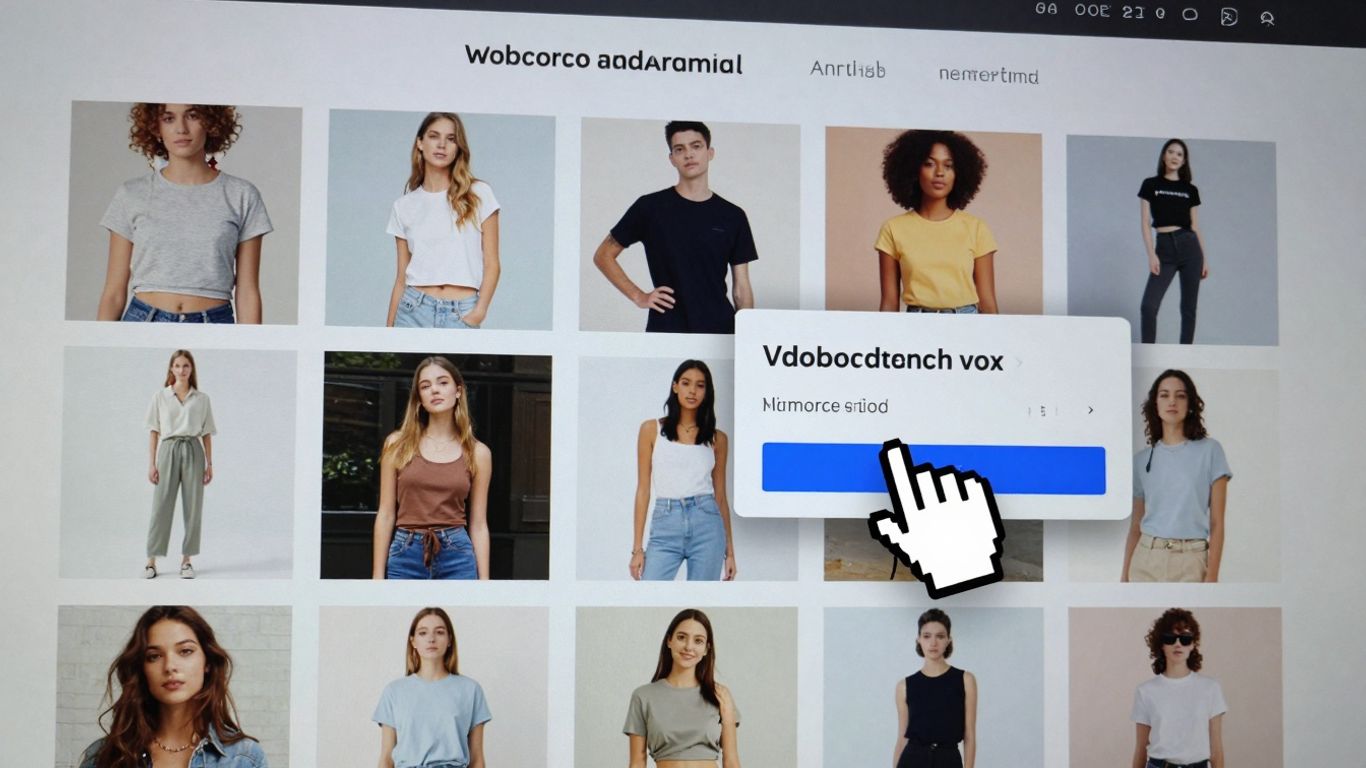
Getting your products looking their best and making them easy for customers to find is a big part of making sales. It’s not just about having great products; it’s about how you show them off. Think of it like a physical store – a messy display won’t get many people interested, right? The same goes for your online shop.
Optimizing Product Images and Descriptions
Your product photos are the first thing people see. Make them count! Use clear, high-resolution images that show the product from different angles. If you sell clothing, show it on a model. If it’s a gadget, show it in use. Don’t just upload the tiny thumbnail from the manufacturer; get some good shots yourself or hire someone. Good pictures really help people imagine owning the item.
Beyond the visuals, your descriptions need to do some heavy lifting. Instead of just listing features, tell a story. How will this product make the customer’s life better? What problem does it solve? Use keywords that people actually search for, but don’t stuff them in unnaturally. A good description answers questions before they’re even asked.
Here’s a quick checklist for product presentation:
- Use multiple, high-quality images.
- Write benefit-driven descriptions.
- Include key specifications clearly.
- Add customer reviews to build trust.
Streamlining Product Organization for Intuitive Browsing
Nobody likes hunting for something in a disorganized store. Your WooCommerce shop page needs to be easy to navigate. This means using categories and tags effectively. Think about how a customer would look for your products. Would they search by type, by brand, or by use?
- Categories: Group similar products together (e.g., ‘T-Shirts’, ‘Jeans’, ‘Accessories’).
- Tags: Use these for more specific attributes that might span categories (e.g., ‘organic cotton’, ‘waterproof’, ‘gift idea’).
Consider how you sort products too. Most popular? New arrivals? Price? Offering sorting options helps customers narrow down their choices quickly. A well-organized shop page means less frustration for shoppers and more sales for you. You can explore different WooCommerce shop page customizations to see what works best for your setup.
Leveraging Product Variations for Diverse Offerings
Many products come in different sizes, colors, or materials. WooCommerce handles this beautifully with product variations. Instead of creating a separate product for every single t-shirt color and size, you can create one main product and then add variations for each option.
This keeps your shop tidy and makes it easier for customers to see all the choices available for a single item. When a customer selects a variation, you can even have the main product image update to show that specific color. It’s a small detail, but it makes a big difference in the shopping experience.
Managing product variations effectively means customers can easily find the exact version of a product they want without getting lost in endless listings. It simplifies their decision-making process and reduces the chance of them leaving your site out of confusion or frustration.
This approach not only cleans up your product listings but also provides a more focused shopping experience. Customers appreciate being able to see all options for a product in one place, making it simpler to compare and choose.
Strategies for Advanced WooCommerce Shop Page Customization
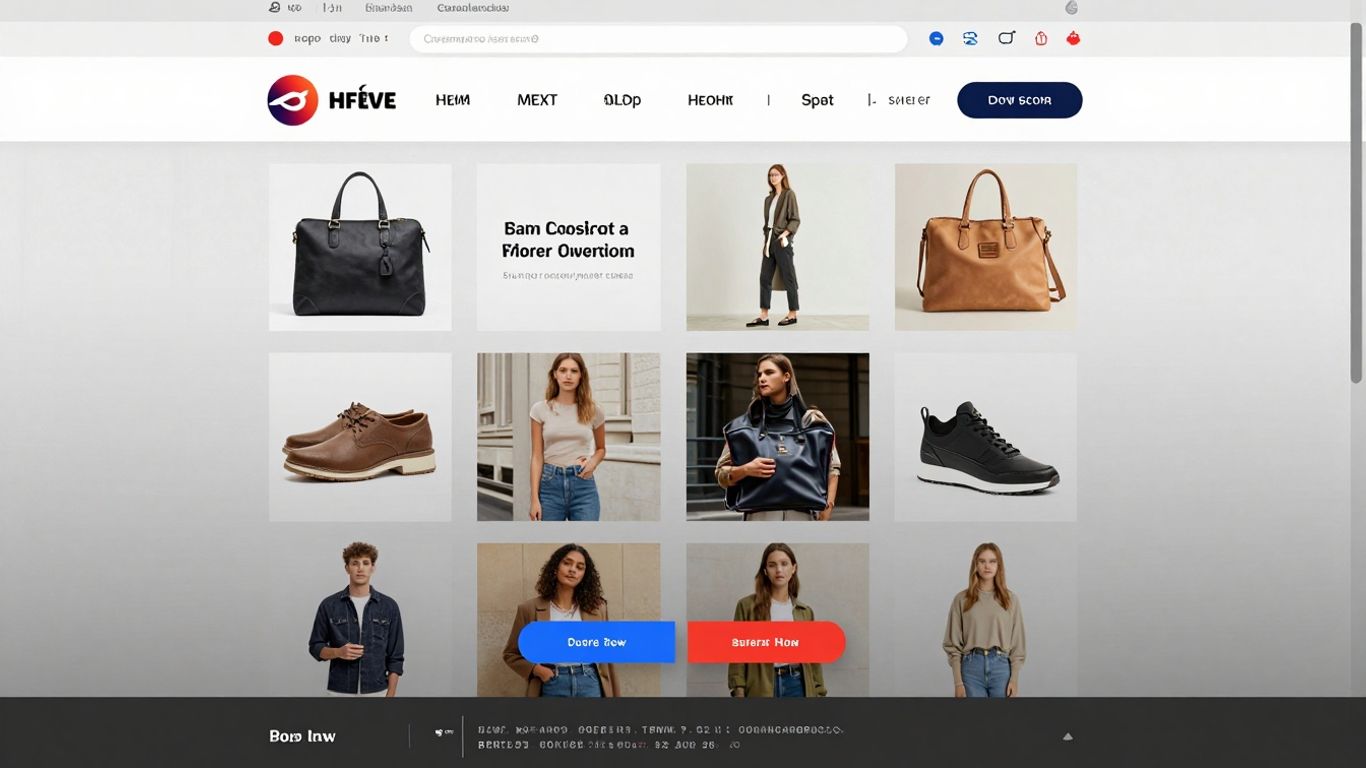
So, you’ve got the basics down. Your shop looks decent, products are listed, and things are generally running. But what if you want to really make your WooCommerce store stand out and work harder for you? This is where we get into the more advanced stuff, the kind of tweaks that can seriously impact how people buy from you.
Implementing One-Page Checkout for Improved Conversions
Think about how many steps it usually takes to buy something online. Add to cart, go to cart, go to checkout, fill in details, pay. It’s a lot, right? A one-page checkout cuts all that down. Everything happens on a single page: product selection, customer info, payment, and order confirmation. This streamlined process can really cut down on abandoned carts. It’s like taking a customer straight to the finish line without any detours.
Here’s a quick look at what goes into it:
- Combine Steps: Merge the cart and checkout pages into one. Customers see their order and fill in their details all in one spot.
- Smart Field Management: Remove fields people don’t need (like shipping for digital goods) and make it easy to add or edit details.
- Visual Appeal: Use design tools to make the page look good and match your brand. Adding a video explaining the product or offer can help a lot.
Utilizing Order Bumps for Increased Transaction Value
Ever been about to pay for something and then seen a little offer pop up, like "Add this accessory for just $5 more"? That’s an order bump. It’s a small, impulse-buy type of offer presented right on the checkout page. The idea is to add a little something extra to the customer’s order without making them think too hard about it. It’s a great way to boost the average amount each customer spends.
Consider these points when setting up order bumps:
- Relevance is Key: The bump offer should make sense with what the customer is already buying. Don’t offer socks with a laptop.
- Clear Value Proposition: Make it obvious why they should add it. Is it a discount? A useful add-on? Highlight the benefit.
- Keep it Simple: The offer should be easy to add with a single click. No extra steps needed.
Customizing the Thank You Page for Enhanced Engagement
Most people just see the "Thank You for Your Order" page as the end of the line. But it’s actually a prime spot for more interaction. After a customer has just committed to buying, they’re in a good mood. You can use this moment to build on that positive feeling.
What can you do with it?
- Show Gratitude: A simple, heartfelt thank you goes a long way.
- Next Steps: Tell them what happens next – shipping times, tracking info, etc.
- Encourage More: Suggest related products, ask them to follow you on social media, or offer a discount on their next purchase.
Think of the thank you page not just as a confirmation, but as the start of your relationship with that customer. It’s a chance to make them feel good about their purchase and excited about what’s coming next, or even encourage them to come back sooner rather than later. It’s a small detail that can make a big difference in customer loyalty and repeat business.
Optimizing Performance and User Experience
Making your WooCommerce shop look good is one thing, but making it work well for everyone is another. Nobody likes a slow website, right? Especially not on their phone. Let’s talk about making your store fast and easy to use.
Ensuring Mobile Responsiveness for All Devices
Think about how often you shop on your phone. Most people do! So, your shop page absolutely must look and work perfectly on any screen size, from a tiny smartphone to a big desktop monitor. This isn’t just about making things look pretty; it’s about making sure customers can actually find what they want and buy it without any hassle. If your site is a pain to use on mobile, they’ll just leave. We’re talking about making sure buttons are easy to tap, text is readable without zooming, and the whole layout just makes sense, no matter the device. It’s a big part of making your store successful.
Boosting Store Speed for Better Engagement
Speed matters. A lot. If your shop page takes more than a few seconds to load, you’re losing potential customers. They’ll click away to a competitor’s site that loads faster. This is where optimizing images comes in – big, uncompressed photos can really slow things down. Also, think about the plugins you’re using; too many can bog down your site. Regularly testing your site’s speed is a good habit to get into. You can use tools to see where the bottlenecks are.
Here’s a quick look at what impacts speed:
- Image size and format: Use modern formats like WebP and compress images.
- Server response time: A good hosting provider makes a difference.
- Number of plugins: Only keep the ones you really need.
- Caching: This stores parts of your site so it loads faster for repeat visitors.
Slow websites frustrate users and hurt your search engine rankings. Prioritizing speed is a direct investment in customer satisfaction and sales.
Leveraging Analytics for Informed Decision-Making
So, how do you know if your optimizations are actually working? That’s where analytics come in. Tools like Google Analytics can show you what people are doing on your shop page. You can see which products get the most views, where people drop off, and how long they stay. This data is gold. It tells you what’s working and what’s not, so you can make smart changes instead of just guessing. For example, if you see a lot of people looking at a certain product but not buying it, maybe the description or images need a tweak. Or if most of your traffic comes from mobile but your mobile conversion rate is low, you know where to focus your efforts.
Building a Unique Brand Experience
So, you’ve got your WooCommerce shop looking good and working well. That’s great! But now, how do you make it feel like yours? How do you make customers remember you and want to come back? It’s all about creating an experience that screams your brand, not just another generic online store. This is where you move beyond just selling products to building a connection.
Crafting a Bespoke Design That Reflects Your Brand
Think about your favorite shops, online or off. They have a certain vibe, right? Your WooCommerce store needs that too. Forget those cookie-cutter themes that make every site look the same. We’re talking about a design that truly shows off what makes your business special. This means picking colors, fonts, and layouts that match your brand’s personality. It’s like dressing your store in its best outfit.
- Color Palette: Use your brand’s primary and secondary colors consistently. This helps with recognition.
- Typography: Choose fonts that are easy to read but also fit your brand’s style – maybe something modern and clean, or perhaps more classic and elegant.
- Imagery: Use high-quality photos and graphics that align with your brand’s aesthetic. Avoid generic stock photos if possible.
Building a custom look isn’t just about making things pretty. It’s about making your store feel authentic and trustworthy. When a customer lands on your page, they should immediately get a sense of who you are and what you stand for. This careful attention to detail builds a stronger first impression.
Creating a Seamless Shopping Journey for Customers
Once your store looks the part, it needs to feel good to use. Nobody likes a clunky website. A smooth shopping journey means customers can find what they want easily, add it to their cart without fuss, and check out quickly. This involves making sure your site is easy to navigate, product pages are clear, and the checkout process is straightforward.
Here’s a quick checklist:
- Intuitive Navigation: Menus should be clear and logical. Customers should be able to find product categories without getting lost.
- Clear Product Information: Descriptions should be informative, and images should show the product from different angles.
- Simple Checkout: Minimize the number of steps and form fields required to complete a purchase. Offer guest checkout options.
Connecting with Customers Through Personalized Experiences
People like to feel special. In the online world, personalization is key to making that happen. It’s about showing customers you understand them and their needs. This could be as simple as recommending products based on what they’ve looked at before, or sending them emails with special offers that are relevant to their interests.
- Product Recommendations: Suggest related items or products that other customers bought. This can be done on product pages or in the cart.
- Targeted Emails: Segment your email list and send specific promotions or content to different groups of customers. For example, offer a discount on items they’ve previously viewed.
- Loyalty Programs: Reward repeat customers with points, exclusive discounts, or early access to new products. This makes them feel valued and encourages continued business.
Wrapping It Up
So, we’ve gone through a lot to get your WooCommerce shop looking just right. It’s not just about making things pretty, though. It’s about making your store work well for you and for the people buying from you. Remember, this whole online store thing is always changing, so keep an eye on what’s new and what your customers like. Don’t be afraid to tweak things as you go. Building a successful online shop takes time and effort, but with WooCommerce, you’ve got a solid tool to get you there. Keep learning, keep adapting, and your store will be all the better for it.
Frequently Asked Questions
What is WooCommerce?
WooCommerce is like a special add-on for your WordPress website that turns it into an online store. It helps you sell things, manage orders, and show off your products to customers all over the world.
Why should I customize my WooCommerce shop page?
Customizing your shop page makes it look unique and match your brand. It helps customers find what they’re looking for easily and makes your store more appealing, which can lead to more sales.
How can I make my product pictures look better?
Use clear, bright photos of your products from different angles. Make sure they load quickly on your site so customers don’t have to wait too long to see them.
What does ‘mobile-responsive’ mean for my store?
It means your store looks and works great on any device, whether it’s a big computer screen, a tablet, or a small phone. Most people shop on their phones, so this is super important!
What is a ‘one-page checkout’?
Instead of making customers go through many steps to buy something, a one-page checkout puts everything they need – product info, payment, and shipping – all on a single page. This makes buying much faster and easier.
How do I know if my store is doing well?
You can use tools that show you how many people visit your store, what they look at, and what they buy. This information helps you understand what’s working and what you can do to improve your store.