So, you’re trying to get your content game together, huh? It can feel like a lot, especially when you’re juggling ideas, deadlines, and what to actually post. That’s where editorial calendars come in. Think of them as your secret weapon to keep things organized and on track. This guide is all about making those editorial calendars work for you, from setting them up to actually using them without losing your mind. Let’s get this sorted.
Key Takeaways
- An editorial calendar is more than just a schedule; it’s a plan for your content strategy that helps keep things consistent and organized.
- Figuring out who needs to be involved early on, like subject experts and designers, makes the whole process smoother.
- You need to know your goals before you start picking topics, and then plan how often you’ll post and what kinds of content you’ll create.
- Building some wiggle room into your editorial calendars is smart because unexpected things always pop up.
- Using tools, whether it’s a simple spreadsheet or fancy software, can really help manage your editorial calendars and make sure everyone’s on the same page.
Understanding The Core Of Editorial Calendars
Defining An Editorial Calendar And Its Purpose
So, what exactly is an editorial calendar? Think of it as your content’s roadmap. It’s a tool, often a simple spreadsheet or a more complex software, that helps you map out what content you’re going to publish, when it’s going to go live, and who’s going to be responsible for making it happen. It’s the central hub for all your content planning. Without one, you’re basically flying blind, hoping good content just appears. It helps keep things organized, especially when you have multiple people working on different pieces. It’s a visual workflow tool used in publishing to manage tasks among authors and editors [6c15].
The Strategic Importance Of Editorial Planning
Why bother with all this planning? Well, it’s not just about looking organized. Strategic editorial planning means your content isn’t just random posts; it’s working towards specific goals. It helps you maintain a steady flow of content, which keeps your audience interested and coming back for more. It also makes it way easier to coordinate with your team, plan out marketing campaigns, and even schedule social media posts. Basically, it stops those last-minute panics where you’re scrambling to get something, anything, published.
Planning your content ahead of time means you can be more intentional about what you’re putting out there. It allows you to align your content with business objectives, seasonal events, or product launches, making sure everything you publish serves a purpose.
Key Components Of An Effective Editorial Calendar Template
What makes a good editorial calendar template? It needs to be easy to use, first and foremost. Here are some basics you’ll want to include:
- Publication Date: When the content is scheduled to go live.
- Content Title/Topic: A clear idea of what the piece is about.
- Content Type: Is it a blog post, video, infographic, podcast episode?
- Author/Owner: Who is responsible for creating it?
- Status: Where is it in the process? (e.g., Idea, Drafting, Review, Published)
- Notes: Any extra details, like target keywords, calls to action, or specific deadlines for images.
For more advanced needs, you might also track things like SEO focus, marketing campaign links, or even initial performance metrics. The goal is to have all the necessary information in one place so everyone involved knows what’s happening.
Building Your Strategic Editorial Calendar
So, you’ve got the basics of an editorial calendar down. Now it’s time to actually build one that works for you. This isn’t just about filling slots on a calendar; it’s about making sure the content you put out actually does something for your business. Think of it as the blueprint for your content marketing strategy, not just a to-do list.
Determining Who Needs To Be Included In The Process
First off, who’s actually going to be involved in making this happen? It’s easy to think one person can handle it, but that’s usually not the case if you want good content. You need different eyes and skills on deck. This means pulling in people who know the subject matter inside and out, the writers who will craft the words, the designers who make it look good, and whoever is going to get it out there to the audience. Don’t forget about folks who might have a unique perspective, like customer support or sales – they hear directly from your audience.
- Subject Matter Experts (SMEs): For accurate and insightful content.
- Writers & Editors: To craft and polish the message.
- Designers: To create visuals that grab attention.
- Distribution Specialists: To get the content seen.
- Anyone with a unique audience perspective.
Building relationships with these people is key. They don’t all have to be full-time content creators, but their input is important. Getting the right people involved early makes the whole process smoother.
Identifying Goals For Your Content Planning
Before you even think about topics, you need to know why you’re creating content. What are you trying to achieve? Are you trying to get more people to visit your website? Get more people to sign up for your newsletter? Maybe you want to be seen as the go-to expert in your field. Whatever it is, write it down. These goals will be your compass for everything that follows. Without clear goals, you’re just creating content for the sake of it, and that’s a waste of time and resources. It’s like setting off on a road trip without a destination.
Your content marketing strategy should inform your editorial calendar. The calendar is the action plan to execute that strategy. If your strategy is to become a thought leader, your calendar should reflect that with in-depth articles, expert interviews, and opinion pieces.
Brainstorming Topics To Finalize Content Pieces
Now for the fun part: coming up with ideas! This is where you bring all those people you identified earlier together. Think about what your audience is asking, what’s happening in your industry right now, and what your company is up to. Don’t just stick to blog posts; consider different formats like videos, infographics, podcasts, or even webinars. A good mix keeps things interesting for your audience and helps you reach them in different ways. You can use tools like this resource to help manage your ideas and see what’s already out there.
Here’s a quick way to get ideas flowing:
- Audience Questions: What are people asking your sales or support teams?
- Industry Trends: What’s new and noteworthy in your field?
- Company News: Any product launches, events, or milestones?
- Competitor Analysis: What are others in your space talking about?
- Keyword Research: What are people searching for online related to your business?
Once you have a big list, start sorting them. Group similar ideas, figure out which ones best fit your goals, and then start assigning them to specific dates on your calendar. It’s a process, but it’s how you build a calendar that’s not just full, but strategic.
Optimizing Your Editorial Calendar Workflow
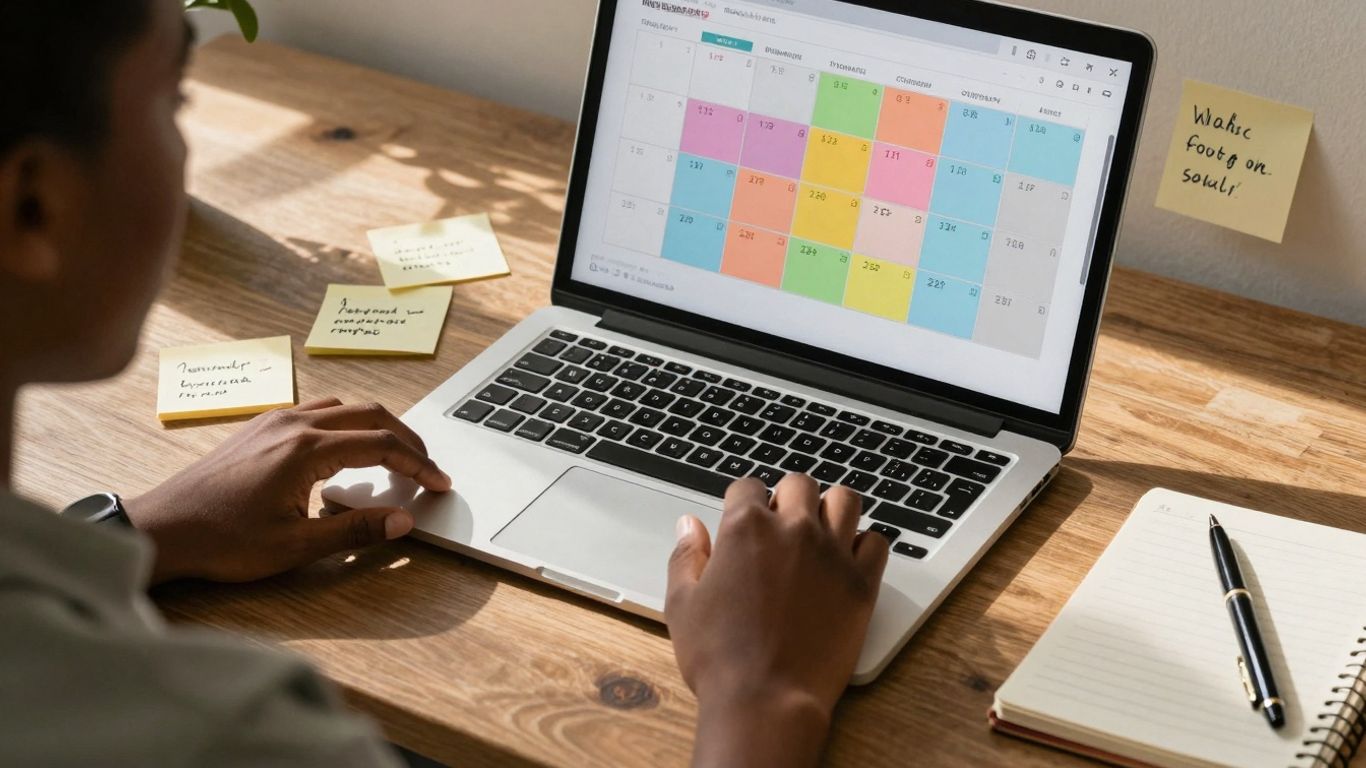
Alright, so you’ve got your editorial calendar template set up and a bunch of ideas ready to go. That’s awesome! But how do you actually make it all happen without losing your mind or ending up with a pile of unfinished content? It’s all about having a smooth workflow. This means figuring out what kind of stuff you’re going to publish and how often, and then making sure everyone knows what they’re doing and when.
Deciding The Content Mix And Publishing Cadence
First things first, let’s talk about what you’re actually going to put out there and how frequently. Your content mix is basically the variety of topics and formats you’ll be using. Are you going to stick to just blog posts, or will you mix in videos, infographics, podcasts, or social media updates? And your publishing cadence is just how often you’ll be putting new stuff out – daily, weekly, monthly? There’s no single right answer here; it really depends on your audience, your resources, and what you’re trying to achieve. A good starting point is to aim for a balance that keeps your audience engaged without overwhelming your team.
Here’s a quick look at some common mixes and cadences:
- Blog Posts: 2-3 per week
- Social Media Updates: Daily across 2-3 platforms
- Newsletter: Weekly
- Long-form Content (e.g., guides, reports): Monthly
Documenting Your Mix And Cadence Decisions
Once you’ve decided on your mix and how often you’ll publish, write it down! Seriously, don’t just keep it in your head. This is where your editorial calendar really shines. Make sure your template has clear spots to note:
- Content Type: (e.g., Blog Post, Video, Infographic, Social Media Series)
- Publishing Frequency: (e.g., Weekly, Bi-weekly, Monthly)
- Target Audience Segment: (Who is this piece for?)
- Primary Goal: (e.g., Brand Awareness, Lead Generation, SEO Ranking)
Having this documented means everyone on the team is on the same page. No more guessing games about what kind of content is expected next or how often it should go out.
Keeping your content mix and publishing schedule clear in your calendar helps prevent last-minute scrambling and ensures a steady flow of information for your audience. It’s like having a roadmap for your content creation.
Enhancing Collaboration And Managing Workflows
Now, let’s get into the nitty-gritty of making things happen. A great editorial calendar isn’t just a list of topics; it’s a tool for collaboration. You need to define clear roles and responsibilities. Who’s writing? Who’s editing? Who’s designing graphics? Who’s scheduling the posts?
Think about using a project management tool that integrates with your calendar. This can help you:
- Assign tasks to specific team members.
- Set deadlines for each stage of the content creation process (e.g., outline, draft, review, final approval, publish).
- Track the progress of each content piece.
- Facilitate communication and feedback directly within the task.
Regular check-ins, even short ones, are also super helpful. A quick weekly meeting to review what’s coming up, what’s in progress, and if there are any roadblocks can save a lot of headaches down the line. This keeps everyone accountable and moving forward together.
Implementing Flexibility And Consistency
Practicing Consistency In Your Content Plan
Look, we all know consistency is key. It’s like showing up for your team every day, even when you don’t feel like it. For your content, this means sticking to a publishing schedule. If you say you’re going to put out a blog post every Tuesday, then darn it, a blog post needs to go out every Tuesday. This builds trust with your audience. They start to expect your content, and they know when and where to find it. It also helps search engines see you as a reliable source, which is good for your website’s ranking. Think of it as building a habit for your readers.
Building Flexibility Into Your Editorial Calendar
Now, here’s the tricky part: life happens. Things change. A big industry event pops up, or maybe a competitor releases something huge. Your perfectly planned calendar might suddenly feel a bit… rigid. That’s where flexibility comes in. You don’t want to be so locked into your plan that you miss out on timely opportunities or can’t react to important news. The trick is to build some wiggle room right from the start. Don’t fill every single slot on your calendar. Leave a few open spaces for those unexpected, but important, content pieces.
Here’s a way to think about it:
- Planned Content: The stuff you mapped out months ago, like your evergreen articles or seasonal guides.
- Reactive Content: The timely pieces that pop up based on current events, trends, or audience questions.
- Spontaneous Content: Those ‘aha!’ moments or quick updates that don’t fit neatly into a planned theme but are still worth sharing.
By intentionally leaving some capacity open, you can pivot without derailing your entire content operation. It’s like having a backup plan for your backup plan.
Handling Unexpected Content Requests
So, your boss walks in and says, "We need a blog post about X, Y, and Z, like, yesterday!" It happens. Instead of panicking and throwing your carefully crafted calendar out the window, refer back to that flexible space you built in. If you’ve got a slot open, great! You can slot it in. If not, you might need to have a quick chat about what can be moved. It’s about managing expectations and making smart trade-offs. Sometimes, you might even designate a specific recurring slot for ‘urgent requests’ or ‘hot topics’ if this is a common occurrence. This way, you’re prepared, and it doesn’t feel like a complete surprise.
The goal isn’t to have a calendar that never changes, but one that can adapt without causing chaos. It’s about being prepared for the predictable and having a process for the unpredictable.
Measuring The Success Of Your Editorial Calendar
So, you’ve put in the work, built out this awesome editorial calendar, and you’re churning out content. That’s great! But how do you know if it’s actually working? It’s easy to get caught up in just publishing, but you really need to check in and see what’s hitting the mark and what’s falling flat. Without measuring, you’re just guessing.
Aligning Metrics With Content Marketing Goals
First things first, what were you trying to achieve with your content in the first place? Were you aiming to get more people to your website? Build up your email list? Get people talking about your brand? Your metrics need to line up with these goals. If your goal was brand awareness, you’ll look at things like social shares or how many new people are following you. If you wanted leads, you’d track how many people signed up for a demo or downloaded a guide after reading a post.
Here’s a quick look at how different goals might connect to specific metrics:
- Brand Awareness:
- Social shares and comments
- Website traffic from new visitors
- Mentions of your brand online
- Lead Generation:
- Form submissions (e.g., for newsletters, downloads)
- Click-throughs to landing pages
- Direct inquiries mentioning content
- SEO Performance:
- Keyword rankings
- Organic search traffic
- Backlinks earned from your content
Evaluating Performance Of Each Content Piece
Once you know what you’re measuring, you need to actually look at the data for each piece of content. Did that blog post about "X" get a ton of shares but zero sign-ups? Or did that video tutorial drive a lot of traffic but not much engagement? You can track this by adding a column to your calendar for key performance indicators (KPIs) for each piece.
Think about setting up a simple table like this:
| Content Title | Publish Date | Goal | Key Metric 1 (e.g., Shares) | Key Metric 2 (e.g., Conversions) | Notes |
|---|---|---|---|---|---|
| "5 Tips for X" Blog | 2025-11-15 | Awareness | 150 | 5 | High engagement, low conversion |
| "How-To Y" Video | 2025-11-20 | Traffic | 50 | 25 | Drove significant site visits |
| "Industry Trends" | 2025-11-25 | Lead Gen | 75 | 15 | Good mix of shares and sign-ups |
This kind of breakdown helps you see what’s working and what’s not on a piece-by-piece basis.
Using Insights To Refine Future Planning
This is where the real magic happens. Looking at your data isn’t just about patting yourself on the back or feeling disappointed; it’s about learning. If a certain topic consistently gets a lot of attention, maybe you should create more content around it. If a particular format (like listicles or interviews) always performs well, lean into that.
The goal isn’t just to publish content; it’s to publish content that achieves specific business objectives. Regularly reviewing performance data allows you to make informed decisions about your content strategy, ensuring your efforts are focused on what truly drives results and helps you meet your overall marketing goals.
So, set aside some time, maybe once a month or quarter, to really dig into the numbers. See what your audience is responding to, what’s driving traffic, and what’s helping you hit those business targets. Then, take those insights and feed them right back into your editorial calendar for the next planning cycle. It’s a continuous loop of creating, measuring, and improving.
Leveraging Tools For Editorial Calendars
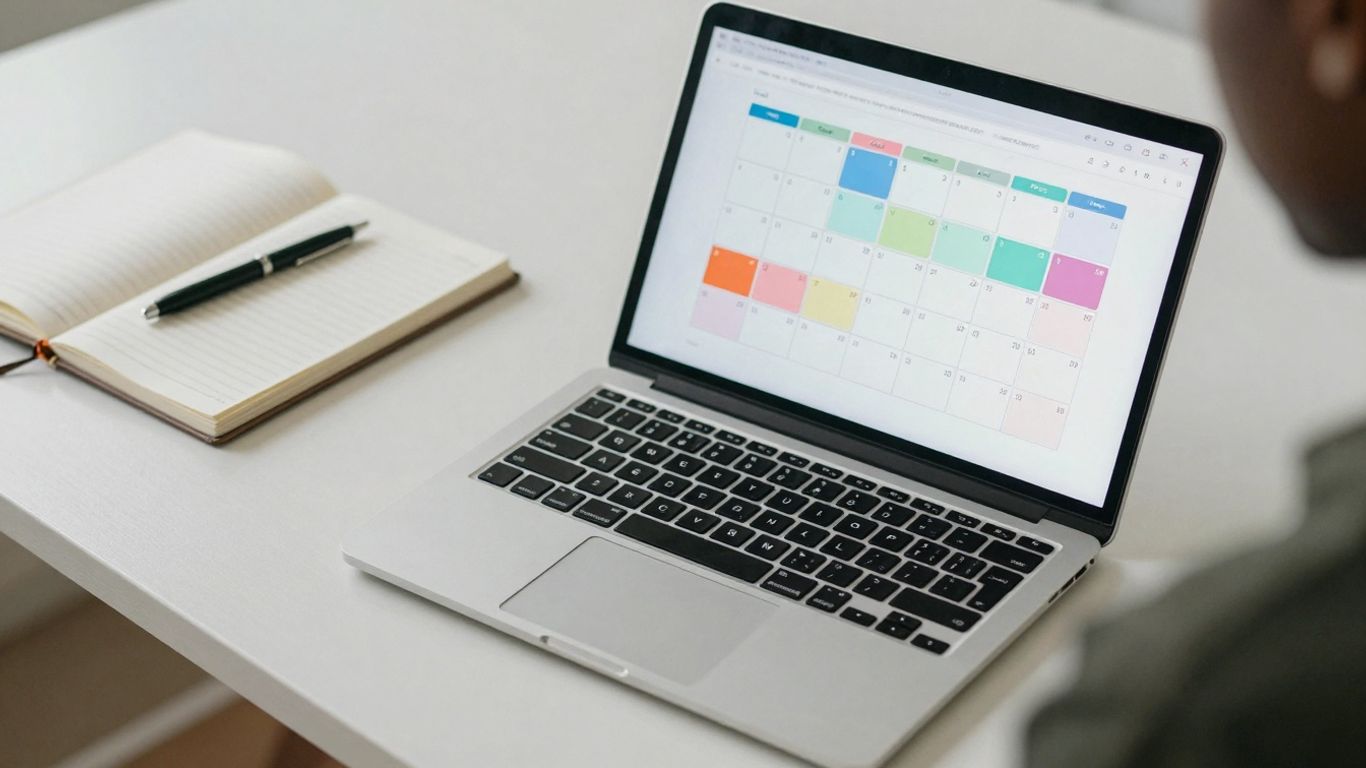
So, you’ve got your content strategy mapped out, your topics brainstormed, and your team aligned. Now, how do you actually keep all of this organized? That’s where the right tools come in. Picking the right platform can make the difference between a calendar that’s a joy to use and one that becomes a dusty digital relic.
Choosing The Right Platform For Your Needs
Before you jump into picking a tool, take a moment to think about what you actually need. Are you a solo blogger or part of a large marketing department? Do you need to track complex workflows with multiple approvals, or is it just about knowing what’s coming up next week? The best tool is the one that fits your team’s size, budget, and how you already work. Don’t get swayed by fancy features you’ll never use.
Utilizing Spreadsheets For Simple Planning
For many, especially those just starting out or working solo, a good old spreadsheet is perfectly fine. Tools like Google Sheets or Microsoft Excel are accessible and flexible. You can set up columns for:
- Publication Date: When the content goes live.
- Topic/Title: What the piece is about.
- Content Type: Blog post, video, infographic, etc.
- Author/Assignee: Who’s responsible.
- Status: Draft, editing, scheduled, published.
- Notes: Any extra details, like target keywords or campaign links.
It’s straightforward, easy to share, and most people already know how to use it. Plus, it’s usually free!
Exploring Specialized Project Management Software
If your content operation is growing, or you have a team involved, you might want to look at more dedicated software. These tools often offer features that spreadsheets can’t match, like:
- Visual Workflows: Kanban boards or calendar views that make it easy to see progress.
- Task Management: Assigning specific tasks within a larger content piece (e.g., research, writing, editing, design).
- Collaboration Features: Built-in commenting, file sharing, and notifications.
- Integrations: Connecting with other tools you use, like Slack or Google Drive.
Some popular options include Asana, Trello, Monday.com, and CoSchedule. They can help streamline approvals, track deadlines more effectively, and give everyone a clear view of what’s happening.
Choosing a tool isn’t just about features; it’s about adoption. If your team finds the tool clunky or difficult to use, they simply won’t use it, and your calendar will fall apart. Prioritize ease of use and accessibility for everyone involved in the content process.
Wrapping It Up
So, we’ve gone over how to build and use an editorial calendar. It might seem like a lot at first, but really, it’s just about getting organized. Think of it as your roadmap for all the stuff you want to put out there. By planning ahead, you avoid that last-minute scramble and make sure your content actually makes sense for your audience. Plus, keeping things flexible means you can roll with the punches when unexpected things pop up. It’s not about being rigid; it’s about being smart with your time and resources. Start simple, keep it updated, and you’ll see a big difference in how smoothly your content creation goes.
Frequently Asked Questions
What exactly is an editorial calendar?
Think of an editorial calendar like a planner for all the stuff you want to share online, like blog posts, social media updates, or videos. It helps you keep track of what you’re posting, when it’s going out, and who’s working on it. It’s basically a roadmap for your content.
Why is having an editorial calendar so important?
It’s super important because it keeps you organized and makes sure you’re always sharing new, interesting things. When you plan ahead, you can make sure your content is good quality, matches what your audience likes, and helps you reach your goals, like getting more people to visit your website.
What should I include in my editorial calendar?
You should put down things like the date you want to post something, the topic or title of the content, what kind of content it is (like a blog post or a video), who is responsible for making it, and what its current status is (like ‘writing’ or ‘finished’).
How far in advance should I plan my content?
It’s a good idea to plan at least a month or two ahead, especially if you post content regularly, like once a week. This gives you enough time to create great content and make any changes needed without feeling rushed.
What if something unexpected comes up and I need to change my plan?
That’s totally normal! The best editorial calendars have some wiggle room. You can plan for ‘flexible spots’ or ‘surprise topics’ so you can easily add new ideas or cover trending news without messing up your whole schedule.
What are some easy ways to create an editorial calendar?
You can start with something simple like a spreadsheet using Google Sheets or Excel. If you need more features, tools like Trello or Asana can help manage tasks and keep everyone on your team on the same page.